The Art of Happy 3D Text Effects: A Complete Guide to Editable Text Design
In the ever-evolving world of digital design, few visual techniques capture attention quite like a well-crafted 3D text effect. When that effect also conveys a sense of joy, warmth, and positivity—often called a happy 3D text effect—it becomes an incredibly powerful tool for communication. Whether you are a seasoned graphic designer, a social media manager, or a complete beginner exploring creative tools, understanding how to create and use editable 3D text can transform your projects. This guide will walk you through everything you need to know about happy 3D text effects, from their core purpose to practical applications, all while keeping the text fully editable for maximum flexibility.
What Is a Happy 3D Text Effect?
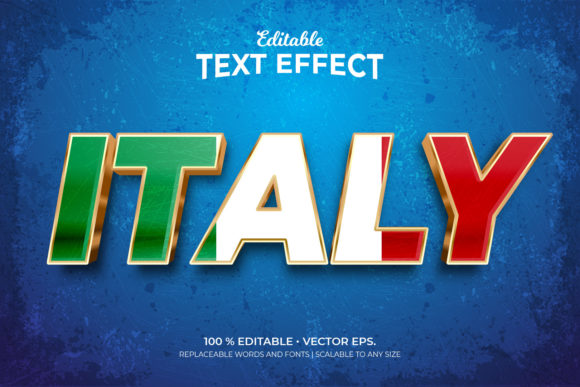
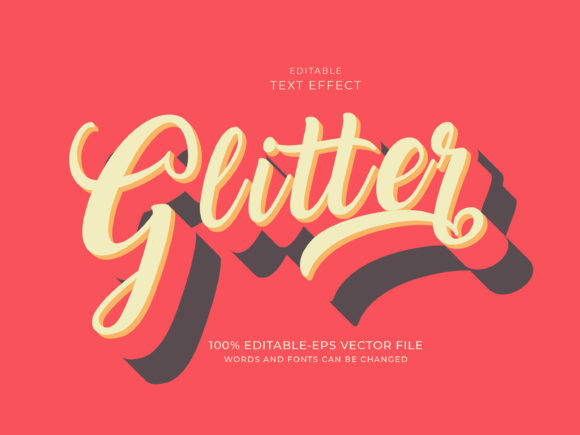
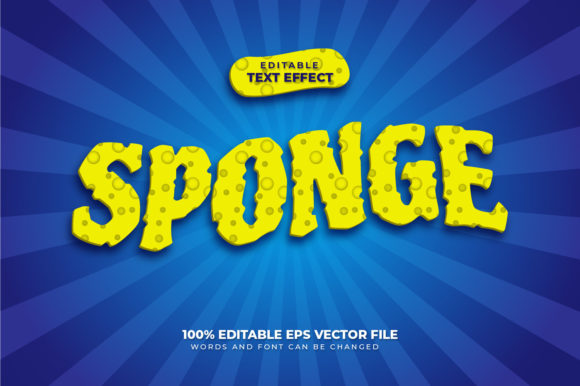
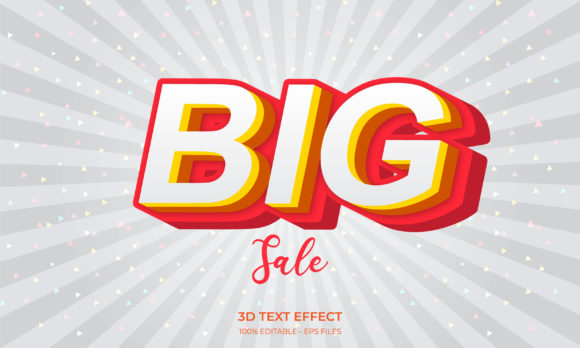
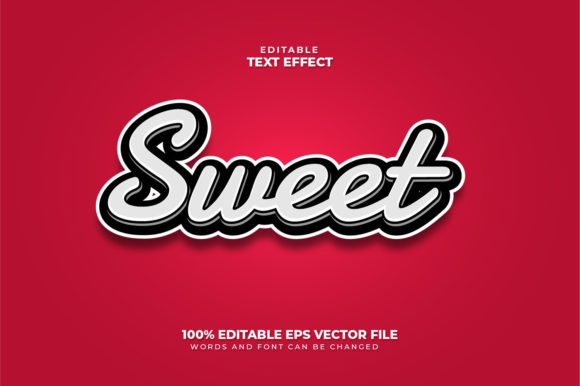
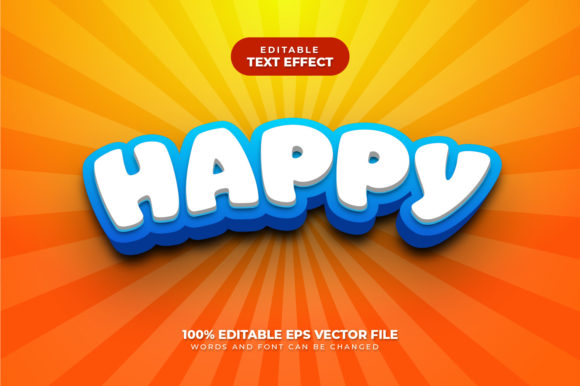
A happy 3D text effect is a typographic style that combines three-dimensional depth with a cheerful, uplifting aesthetic. Unlike standard 3D text that might feel industrial, cold, or purely technical, the "happy" variant uses bright colors, soft shadows, rounded edges, and playful lighting to evoke positive emotions. Think of the bubbly lettering on a birthday banner, the glossy typography in a summer sale advertisement, or the friendly logo of a children's app. The text appears to pop off the screen or page, inviting the viewer to engage with it.
The term editable text is equally important. In design software, editable text means you can change the words, font, size, or color at any time without needing to redo the entire 3D effect from scratch. This is a massive time-saver and a key reason why designers love working with 3D text effects that remain live and adjustable.
The Growing Popularity of 3D Text in Modern Design
Over the past decade, 3D typography has moved from niche experimentation to a mainstream design staple. Several factors have driven this trend:
- Advances in design software: Tools like Adobe Photoshop, Illustrator, Blender, and Canva now offer built-in 3D capabilities or easy-to-use plugins.
- Social media demands: Platforms like Instagram, TikTok, and YouTube reward eye-catching thumbnails and posts. Happy 3D text helps content stand out in crowded feeds.
- Brand differentiation: Companies seek unique visual identities. A cheerful 3D text effect can convey friendliness, innovation, and approachability.
- Accessibility of templates: Thousands of pre-made, editable 3D text templates are available online, lowering the barrier for non-designers.
In short, happy 3D text effects are no longer reserved for professional designers. Anyone with a computer or smartphone can create them, and their popularity continues to grow as digital communication becomes more visual.
Core Elements of a Happy 3D Text Effect
To understand what makes a 3D text effect feel "happy," we need to break down its visual components. Each element plays a role in shaping the emotional response of the viewer.
Color Palette and Mood
Color is perhaps the most influential factor. Happy 3D text effects typically use warm, bright, or pastel colors—think sunshine yellow, coral pink, mint green, sky blue, and lavender. High saturation levels add energy, while softer tones create a gentle, welcoming feel. Gradients are also common, blending two or more cheerful hues to add depth and visual interest. The background often contrasts just enough to make the text pop without clashing.
Depth and Dimension
The "3D" in the name refers to the illusion of depth. This is achieved through techniques like extrusion (giving text a solid thickness), beveling (rounding or angling edges), and shading (using highlights and shadows). In a happy effect, shadows are typically soft and diffused rather than harsh and dark. Highlights mimic a gentle light source, often from the top left, which creates a natural, friendly look. The goal is depth that feels inviting, not intimidating.
Typography Choices
The font itself matters enormously. Happy 3D text effects favor rounded sans-serif fonts, playful hand-lettered styles, or bubbly display typefaces. Serif fonts can work if they are soft and decorative, but sharp, angular fonts are usually avoided because they can feel aggressive or formal. The letter spacing is often generous, and the overall shape is approachable. Examples include fonts like Comic Sans (used thoughtfully), Bubblegum Sans, or custom-rounded versions of popular fonts like Montserrat or Poppins.
Why Editable Text Matters in 3D Design
One of the most practical aspects of modern 3D text effects is editability. In the past, creating a 3D text effect often meant rasterizing the text, which turned it into a static image. Changing a single word required starting over. Today, design workflows prioritize non-destructive editing, meaning the text remains a live layer.
Editable text offers several advantages:
- Quick revisions: Clients or team members can request changes without delaying the entire project.
- Experimentation: You can try different words, languages, or messages instantly.
- Consistency: Update a template for multiple uses (e.g., different event dates or product names) while keeping the same 3D style.
- Scalability: Live text adapts to resolution changes and printing needs without losing quality.
When searching for happy 3D text effect editable text templates, always look for formats that preserve the text layer, such as PSD (Photoshop), AI (Illustrator), or certain Canva and Figma files. This small detail can save hours of work.
Applications Across Industries
Happy 3D text effects are incredibly versatile. Here are some of the most common and effective uses across different fields.
Social Media and Branding
On social media, first impressions happen in milliseconds. A 3D text effect that looks cheerful and polished can dramatically increase click-through rates. Brands use it for:
- YouTube video thumbnails
- Instagram story highlights and posts
- Facebook event covers
- TikTok video titles and overlays
- Email newsletter headers
For branding, a happy 3D text effect can become part of a company's visual identity. A children's toy brand, a party planning service, or a wellness app might use such typography in their logo or marketing materials to signal fun and positivity.
Educational Materials
Learning resources benefit greatly from engaging design. Happy 3D text can be used in:
- Online course titles and module headers
- Classroom posters and infographics
- Children's educational apps and games
- Presentation slides for younger audiences
The 3D effect adds a tactile, playful quality that captures attention and makes learning feel less like a chore.
Event and Celebration Graphics
This is perhaps the most natural fit. Birthdays, weddings, anniversaries, graduations, and holidays all call for celebratory visuals. Happy 3D text effects are perfect for:
- Digital invitations and save-the-date cards
- Event banners and signage
- Photo booth overlays and props
- Menu cards and place settings
- Social media announcements
Even corporate events like product launches or team celebrations can benefit from a polished, happy 3D text effect that adds a touch of excitement.
How to Create Your Own Happy 3D Text Effect
Creating a happy 3D text effect is easier than ever, even for beginners. Here is a straightforward process using popular tools.
- Choose your software: Adobe Photoshop, Illustrator, Canva Pro, or Blender are all excellent options. Many also offer free trials.
- Select a font: Pick a rounded, cheerful typeface. Ensure it is installed and available in your software.
- Type your text: Keep it short and punchy. Happy 3D effects work best with a few words or a single line.
- Apply 3D extrusion: In Photoshop, use the 3D panel or a layer style. In Canva, use the "Effects" menu. Adjust depth and bevel.
- Add color and gradient: Use bright, warm colors. A gradient from yellow to orange or pink to purple adds vibrancy.
- Adjust lighting and shadows: Soften the drop shadow and set a light source that creates gentle highlights.
- Keep text editable: Always save a copy with the text layer intact. Export a final version as PNG or JPEG for sharing.
- Refine for your context: Consider the background, surrounding elements, and overall composition.
If you prefer to use a template, search for "happy 3D text effect editable text PSD" or similar phrases on design marketplaces like Creative Market, Envato Elements, or even free resources on Freepik. These templates allow you to simply double-click the text layer and type your own message.
Common Misconceptions About 3D Text Effects
Some misunderstandings persist around 3D text effects. Let's clarify a few.
Misconception 1: 3D text always looks cartoonish or childish.
While many happy 3D effects are playful, the style can be refined for professional contexts. A subtle bevel, muted colors, and clean typography can create a sophisticated 3D look suitable for corporate branding.
Misconception 2: You need expensive software and advanced skills.
Free tools and user-friendly platforms like Canva make 3D text accessible to almost anyone. Basic tutorials can get you started in minutes.
Misconception 3: Editable text means low quality.
In fact, editable text often delivers higher quality because it remains vector-based or resolution-independent. It adapts perfectly to different sizes and outputs.
Misconception 4: 3D text is outdated.
Design trends cycle, but 3D typography remains a staple. Modern 3D effects are cleaner, more refined, and more versatile than the blocky styles of the early 2000s.
Conclusion
The happy 3D text effect is a remarkable blend of art and utility. It combines the timeless appeal of dimensional typography with the modern need for flexibility and speed. By using bright colors, soft depth, and approachable fonts, you can create text that not only communicates a message but also evokes a positive emotional response. And because the text remains editable, you maintain full control over your design, ready to adapt to any project or audience.
Whether you are designing for a birthday party, a social media campaign, or an educational app, the principles of happy 3D text effects can elevate your work. Start with a clear message, choose a cheerful style, and leverage editable templates or software to bring your vision to life. With practice, you will develop an intuitive sense of what makes 3D text feel genuinely happy—and your audience will thank you for it.
If you have not yet explored this design technique, now is the perfect time. Dive in, experiment with colors and depth, and discover how a little three-dimensional joy can transform your text into something truly memorable.